
Quick Start Guide
Get tracking your reading in just a few steps.
1. Create Your Account
Visit the registration page and create your free account. You'll receive an email to verify your address.
2. Find Your First Book
Use the search bar at the top of the page to find a book you're currently reading. We search Google Books, so most books are available.
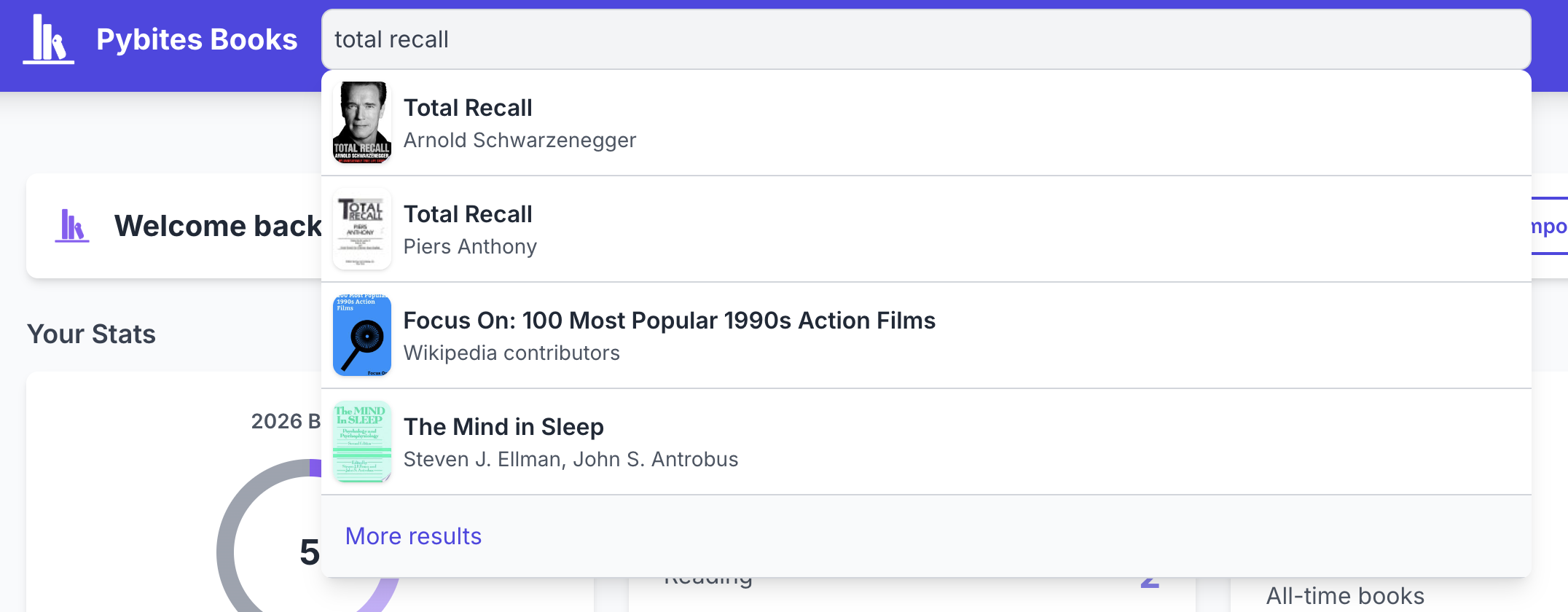
3. Add It to Your List
Click on a book from the search results to view its details. Then click Add to My Books and select your reading status:
- Reading - Currently reading this book
- Completed - Finished reading
- To Read - On your reading list for later
4. Track Your Progress
Visit your profile page to see all your books organized by status. You can:
- Change the status of any book
- Mark a book as a favorite
- Set the completion date for finished books
5. Explore & Connect
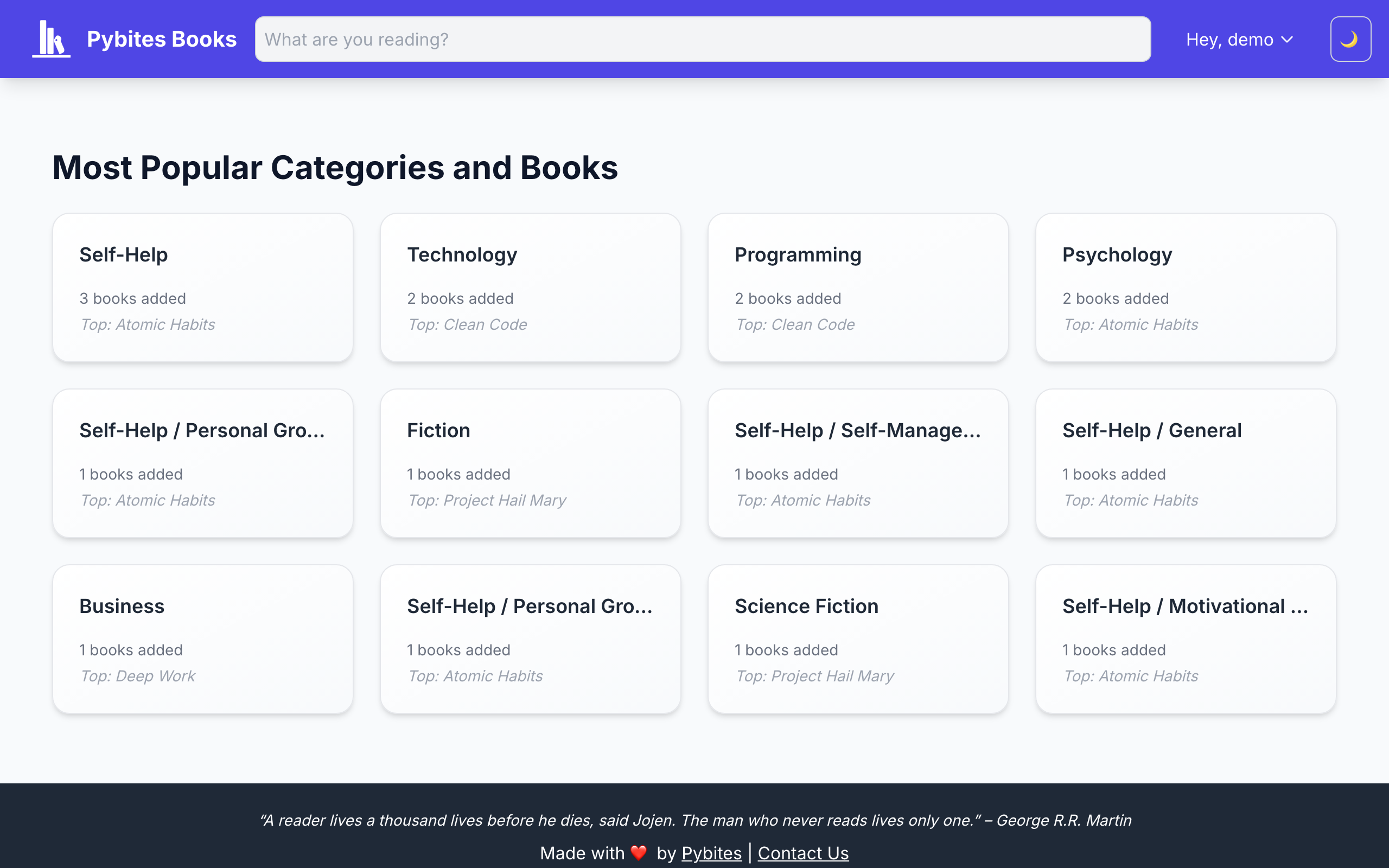
- Explore by Category - Browse books by genre
- Follow Readers - Find friends and follow their reading activity
- Weekly Digest - Opt in to receive updates about what people you follow are reading
What's Next?
- Learn about tracking books in detail
- Set up custom lists to organize your reading (Premium)
- Import from Goodreads if you have existing data