
Tracking Books
The core of Pybites Books is tracking what you read. Here's everything you need to know.
Adding Books
Search for a Book
Use the search bar at the top of any page. Start typing and results will appear automatically.
- Book titles are searched via the Google Books API
- Results show the cover, title, and author
- Click any result to view the full book details
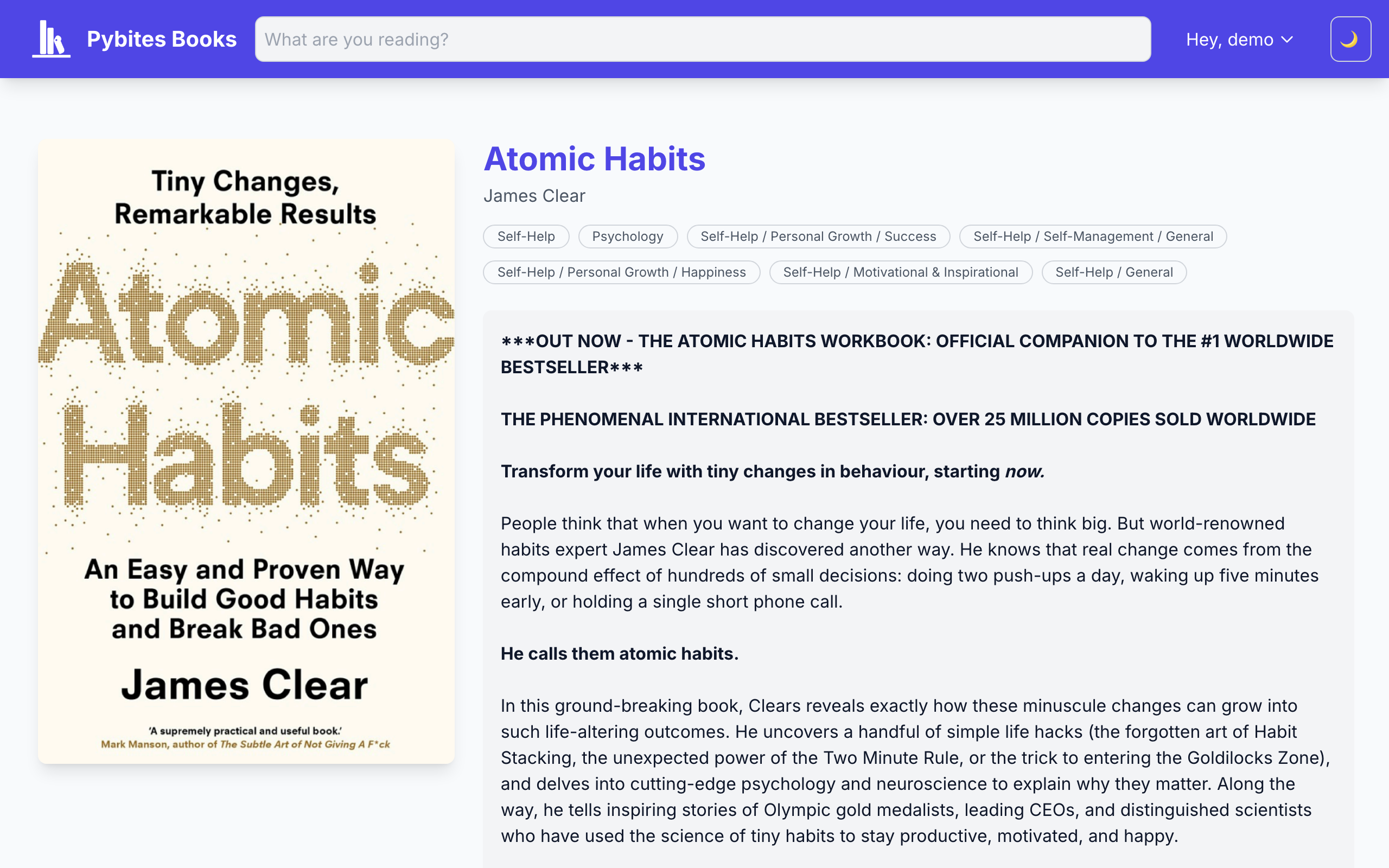
Set Your Reading Status
When adding a book, choose one of three statuses:
| Status | Meaning |
|---|---|
| Reading | Currently reading this book |
| Completed | Finished reading |
| To Read | Planning to read later |
Completion Date
For completed books, you can set the date you finished reading. This is used for:
- Your reading statistics
- The leaderboard
Updating Books
Change Status
From your profile page or the book detail page, you can change a book's status at any time. Moving a book to "Completed" will prompt you to set a completion date.
Mark as Favorite
Click the star icon to mark a book as a favorite. Favorites appear in a special section on your profile.
Remove a Book
If you added a book by mistake, you can remove it from the book detail page. This completely removes it from your tracking.
Book Details
Each book page shows:
- Cover image - From Google Books or Open Library
- Metadata - Title, authors, publisher, pages, ISBN
- Description - Book summary
- Your status - Your reading progress
- Community - Other readers who have completed this book